FACELESS VIDEO GUIDE
Faceless videos: how to create content without showing your face
You can build a video message using scenes, objects and text. Start by deciding what the visuals need to communicate.
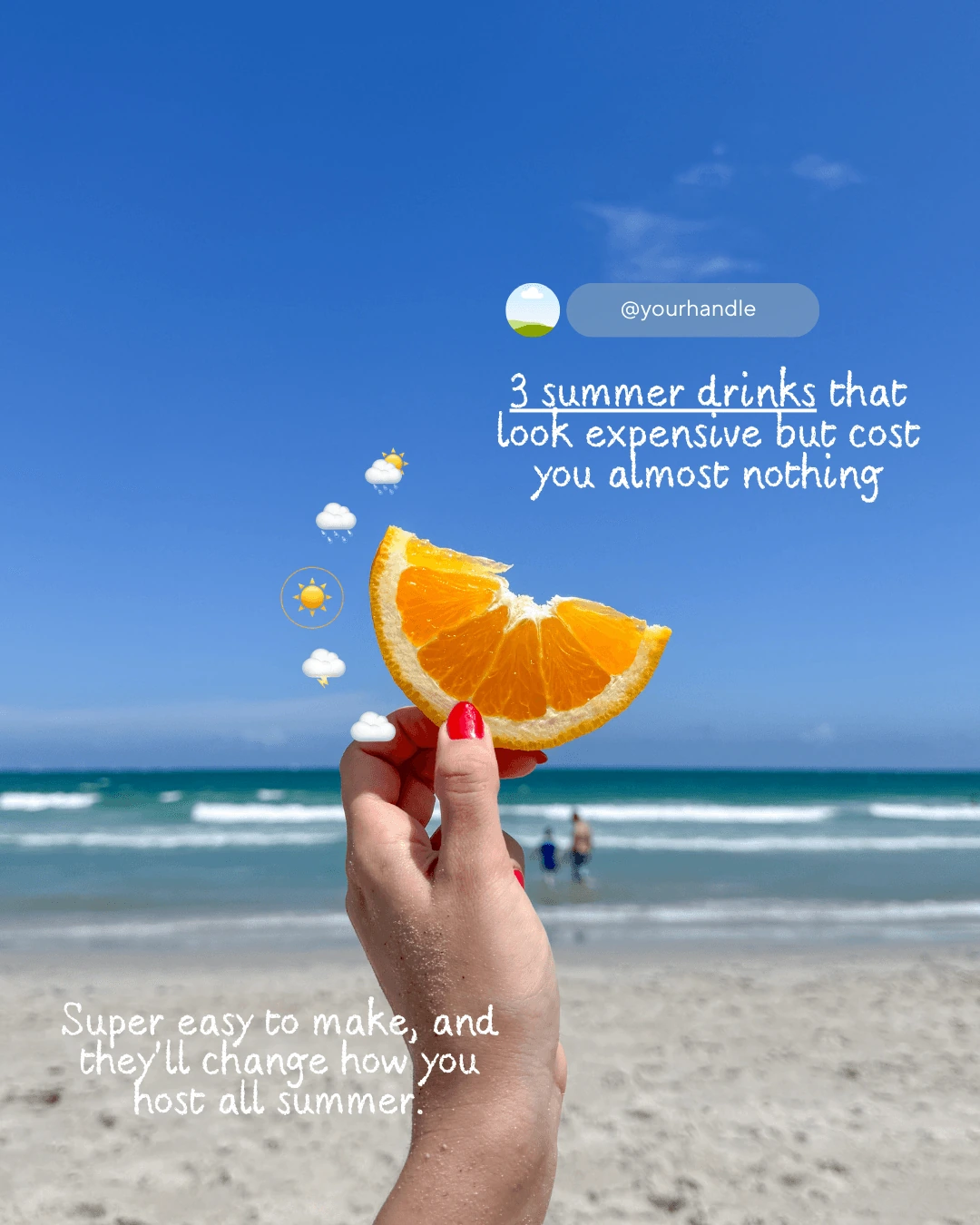
What faceless means
Faceless describes content where the creator does not need to show their face. The message can use daily-life scenes, hands, objects, locations, screen recordings or text. This is a presentation choice. The topic, script and relationship between visuals and message still require creative decisions.
A ready-made video can provide a visual starting point for your edit. A template is a structure you customize, while a cover identifies a post. Choose the resource based on what your content needs: a scene, a layout or a way to organize the idea.
Plan a short message
First, write the sentence that sums up the content. For this exercise, we will use “Set up your next task before you finish the day”. The goal is to demonstrate a small organizing routine. This is a teaching script; it does not describe scenes verified in the library.
SAMPLE SCRIPT · 12 SECONDS
Plan the scene alongside the copy
This sequence is a filming and editing plan. The cards describe scenes; they are not clips from a video in the collection.
00, 03 SECONDS
Introduce the situation
Scene: a desk with work materials.
How do you leave your next task?
Show the context before explaining the action.
03, 07 SECONDS
Show an action
Scene: hands writing a note.
Write down the first action, not the whole list.
Frame the writing so the action is visible.
07, 12 SECONDS
Close the sequence
Scene: materials set aside for tomorrow.
Keep what you need within reach and check it tomorrow.
Allow enough time to read the whole sentence.
How to adapt this if you only have photos
Choose one photo for each moment and keep the same order: context, action and conclusion. Canva's Reel editor lets you build a sequence with photos and text. If the second image does not show the note, adjust the copy to describe what it actually represents.
A cover can introduce the topic “Set up your next task”. To prepare that layout, use the template customization guide.
The timings above are an editing suggestion for this exercise, not a platform limit. Use your own footage or materials licensed for your intended use. If you cannot find a suitable scene, adapt the script instead of using an image that suggests a different action.
Build and review in the editor
- Create your project. For a Reel, open a vertical video design and add the files you plan to use. Check the framing before adding text.
- Organize the clips. Put the scenes in script order, cut anything that does not contribute and adjust the duration. Leave enough time for the text to be read without pausing.
- Add the message. Use short sentences, contrast and space around the text. Avoid covering the main action or placing essential information near the edges.
- Check the audio. If you use music or narration, check that it supports the message and that you have permission for that use. Also watch without sound to assess how clearly the visuals communicate.
- Export and watch. Download the result as an MP4 and watch the entire file on your phone. Check cuts, typos, volume and readability before publishing.
The Canva Reel maker lets you work with videos, photos, text and clip editing. Premium features and elements are optional depending on what you choose for the project; check the terms shown in the tool.
Is the final file ready? Try these three checks
- Without sound: do the images and text make the message clear?
- Without pausing: is there time to read each sentence in full?
- On your phone: are the main action, text and ending still visible?
If any check fails, adjust the timing, text size or framing and review it again.
How to use the Creator Club library
The bundle includes over 1,000 faceless videos for Stories, Reels and TikTok, alongside the other materials. You choose the scenes and handle the editing. Check the licenses that apply to the files and audio before using them in a new context.
If you combine the video with club templates, they work with free Canva, with optional premium elements you can replace or remove. To explore all the materials, see the complete Creator Club offer.